
🖼 Image Tools
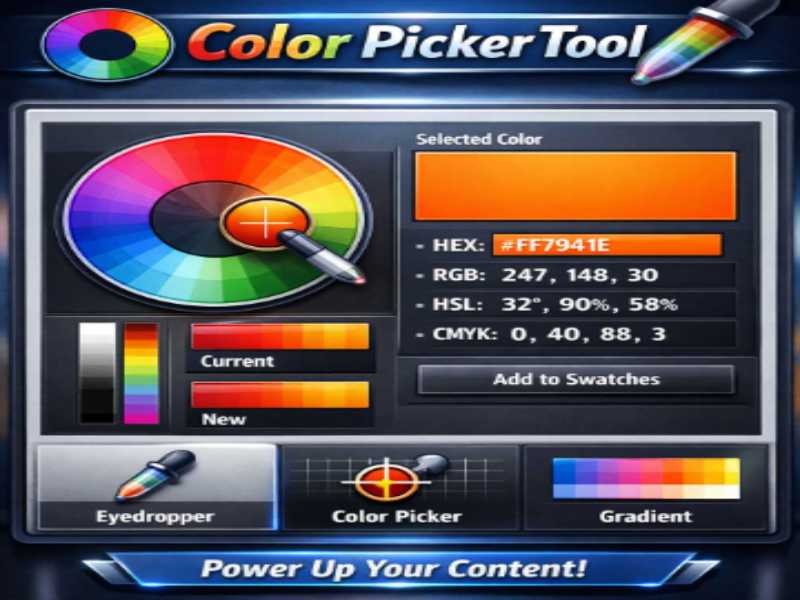
Image Color Picker is a browser-based tool that analyzes images and extracts their most dominant colors instantly.
Upload any image and the tool generates a clean palette with HEX and RGB values that can be used in design systems, websites, branding, or UI themes.
With built-in sorting options, gradient preview, and one-click copying, designers and developers can quickly turn inspiration into practical color palettes.

The Image Cropper Tool makes it easy to crop and adjust images with precision directly in your browser. Whether you need to remove unwanted areas, improve composition, or prepare images for websites and social media, this tool delivers fast and accurate results in seconds.
Built with modern HTML5 technology, all image processing happens locally on your device for enhanced privacy and speed. Ideal for designers, marketers, developers, content creators, and everyday users.

Built with modern HTML5 technology, all image processing takes place locally on your device for maximum privacy and performance. Perfect for designers, developers, marketers, content creators, and anyone who needs fast and reliable image editing.
Powered by modern HTML5 technology, all processing happens locally on your device to ensure maximum privacy, speed, and security. Ideal for designers, developers, marketers, content creators, and anyone who needs optimized images in just a few clicks.

Powered by modern web technology, all processing takes place locally on your device for enhanced privacy, security, and performance. Perfect for developers, designers, educators, content creators, professionals, and everyday users.

The Thumbnail Generator Tool creates eye-catching video and image thumbnails in seconds. Fast, secure, and private — all processing happens directly in your browser without uploads. Perfect for YouTube creators, marketers, designers, and bloggers who need high-quality, clickable thumbnails to boost engagement and visibility. Ideal for anyone looking to enhance content appeal quickly and efficiently.”
It mirrors your preferred tone — emphasizing speed, privacy, and usefulness for multiple audiences.