Table of Contents
Free Online File Conversion Tools for PDF, JPG, PNG
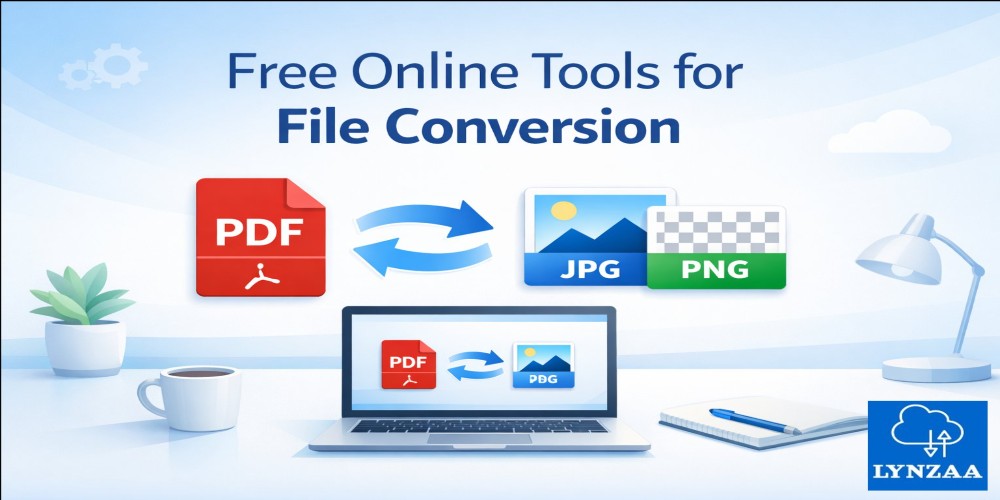
Looking for free online file conversion tools? This guide covers the best platforms to convert PDF, JPG, and PNG files easily. Whether you need to change a PDF to an image or vice versa, these tools are fast, safe, and require no installation.
Table of Contents
- What Are File Conversion Tools?
- Benefits of Online Conversion Tools
- Top Free Tools for File Conversion
- Comparison Table
- Pros and Cons
- Expert Tips
- Common Mistakes to Avoid
- FAQ
- Conclusion
What Are File Conversion Tools?
Free online file conversion tools allow you to change documents and images from one format to another without downloading software. These tools are perfect for PDFs, JPGs, and PNGs.
Benefits of Online Conversion Tools
- Instant conversion of PDF, JPG, PNG files
- No software installation required
- Accessible on any device with internet
- Supports batch processing
- Free or freemium options
Top Free Tools for File Conversion
- SmallPDF: Convert PDF to JPG or PNG easily. Visit SmallPDF
- ILovePDF: Merge, split, and convert PDFs. Visit ILovePDF
- PDFCandy: Free batch conversion for PDF, JPG, PNG. Visit PDFCandy
- Online-Convert: Converts images, documents, and audio. Visit Online-Convert
- Zamzar: Supports multiple formats including PDF and images. Visit Zamzar
Comparison Table
| Tool | Supported Formats | Pros | Cons |
|---|---|---|---|
| SmallPDF | PDF, JPG, PNG, DOCX | Fast, easy interface | Limited free usage |
| ILovePDF | PDF, Word, Excel, JPG | All-in-one PDF tool | Premium needed for advanced features |
| PDFCandy | PDF, JPG, PNG, DOCX | Batch conversion | No mobile app |
| Online-Convert | Documents, Images, Audio, Video | Multiple formats supported | Ads in free version |
| Zamzar | Documents, Images, Multimedia | Fast processing | Max file size limit for free users |
Pros and Cons
Pros: Free, fast, no installation, accessible anywhere.
Cons: Limited free usage, ads, some require signup.
Expert Tips
- Check output quality before downloading.
- Use batch conversion for multiple files.
- Choose HTTPS websites to protect your files.
Common Mistakes to Avoid
- Uploading large files without checking size limits.
- Ignoring file formatting errors post-conversion.
- Using untrusted websites that may compromise privacy.
FAQ
- Q: Are free online file conversion tools safe?
A: Yes, reputable tools with HTTPS encryption are safe for regular files. - Q: Can I convert multiple files at once?
A: Yes, batch conversion is supported by SmallPDF and PDFCandy. - Q: Do I need to install software?
A: No, all conversions are done online through your browser. - Q: Which image format is better: JPG or PNG?
A: JPG is smaller in size, PNG is better for high-quality or transparent images. - Q: Can I use these tools on mobile?
A: Yes, most tools are mobile-friendly through the browser.
Conclusion
Using free online file conversion tools for PDF, JPG, and PNG ensures fast and reliable results without installing software. Always choose reputable platforms and follow expert tips for the best results.