
Images are an essential part of modern digital communication. Whether you’re managing a website, creating social media content, running marketing campaigns, designing graphics, or sharing personal photos, properly optimized images can make a significant difference in both performance and user experience.
Large image files often slow down websites, increase storage requirements, and make sharing more difficult. On the other hand, poorly resized images can appear blurry, stretched, or pixelated. That’s why using a reliable image resizing solution is important.
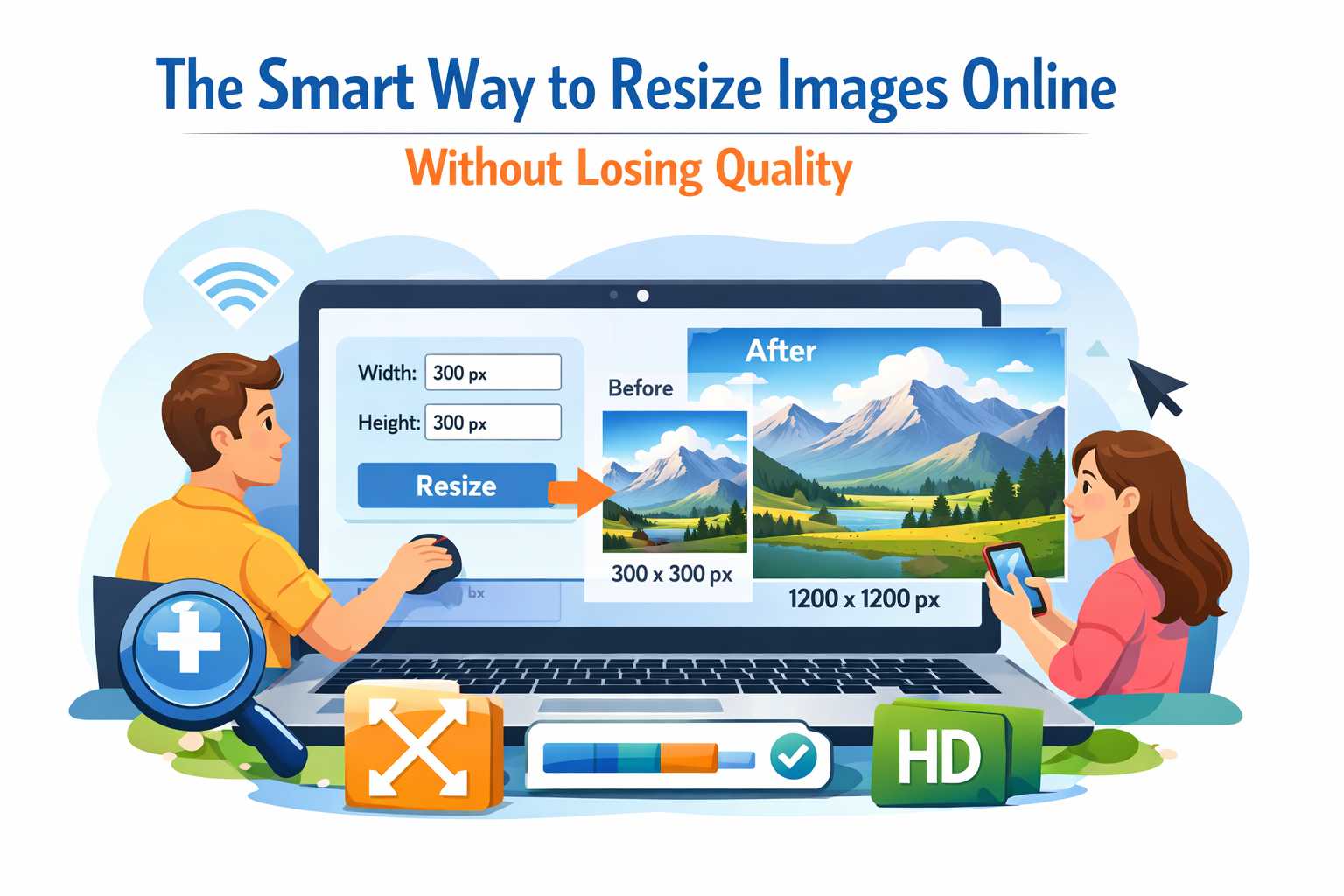
The Lynzaa Image Resizer Tool provides a fast and convenient way to resize images directly in your browser. Without installing software or uploading files to external servers, users can adjust image dimensions, optimize quality, rotate images, flip them, and even convert image formats in just a few clicks.
Why Image Resizing Is Important
Many people focus on image quality but overlook the importance of proper image dimensions. Image size affects website speed, SEO performance, storage consumption, and overall user experience.
Oversized images can create several problems:
- Slow website loading times
- Higher bandwidth consumption
- Poor mobile performance
- Lower search engine rankings
- Reduced user engagement
Meanwhile, incorrectly resized images may:
- Appear distorted
- Lose visual clarity
- Look unprofessional
- Reduce trust and credibility
Proper image resizing helps achieve the perfect balance between visual quality and performance.
What Is an Image Resizer Tool?
An image resizer tool is an online utility that allows users to modify image dimensions without requiring advanced editing software. Instead of opening large desktop applications, users can quickly resize images through a simple web interface.
The Lynzaa Image Resizer Tool is designed to simplify this process while maintaining excellent image quality. Whether you need to reduce image dimensions for faster website loading or prepare graphics for social media platforms, the tool provides an efficient solution.
Main Features of the Lynzaa Image Resizer Tool
1. Fast and Easy Resizing
The tool allows users to resize images instantly by specifying custom width and height values. This makes it ideal for creating banners, profile pictures, thumbnails, blog images, and promotional graphics.
2. Aspect Ratio Protection
Maintaining the original aspect ratio is critical for preventing image distortion. The built-in aspect ratio lock helps preserve proportions while resizing.
3. Quality Optimization
The tool allows users to balance image quality and file size. This feature is especially useful for web optimization and faster page loading.
4. Image Rotation
Users can rotate images to correct orientation issues or prepare content for different layouts.
5. Image Flipping
The flip functionality allows horizontal and vertical image transformations without requiring separate editing software.
6. Format Conversion
The tool supports multiple popular image formats, including:
- JPG
- JPEG
- PNG
- WebP
- GIF
This flexibility makes it easier to optimize images for different platforms and use cases.
7. Browser-Based Processing
Everything works directly in your browser. There is no need to install software, create accounts, or learn complicated editing workflows.
8. Enhanced Privacy
Because image processing occurs locally in the browser, users maintain greater control over their files and can resize images without relying on external software.
Benefits for Website Owners
Website performance directly impacts user experience and search engine visibility. Large image files are among the most common causes of slow-loading websites.
By resizing images before uploading them, website owners can:
- Improve page loading speed
- Reduce hosting bandwidth usage
- Enhance mobile performance
- Improve Core Web Vitals scores
- Increase visitor engagement
- Support better SEO results
Optimized images help create a smoother browsing experience and can contribute to improved search rankings over time.
Benefits for Digital Marketers
Digital marketers frequently create visual content for advertisements, landing pages, social media campaigns, and email marketing.
Each platform has specific image requirements. Using the correct image dimensions helps maintain professional presentation and prevents unwanted cropping.
With the Image Resizer Tool, marketers can quickly prepare images for:
- Facebook posts and covers
- Instagram posts and stories
- LinkedIn banners
- YouTube thumbnails
- Pinterest graphics
- Email campaigns
Benefits for Graphic Designers
Graphic designers often need multiple versions of the same image. Creating separate dimensions for desktop, tablet, mobile, social media, and advertising platforms can become time-consuming.
The Image Resizer Tool streamlines this process by providing fast image resizing without opening resource-intensive design software.
This saves valuable time during creative workflows and helps improve productivity.
Benefits for Students and Professionals
Students and professionals regularly work with images for presentations, reports, research projects, and documentation.
Large image files can increase document size and complicate sharing.
Using an image resizing tool allows users to optimize images while maintaining quality, making files easier to upload, share, and store.
How to Use the Image Resizer Tool
The resizing process is simple and requires only a few steps.
Step 1: Upload Your Image
Select the image you want to resize from your device.
Step 2: Enter New Dimensions
Specify the desired width and height values according to your requirements.
Step 3: Adjust Additional Settings
Optionally modify quality settings, rotate the image, flip it, or select a different output format.
Step 4: Resize the Image
Click the resize button and allow the tool to process the image.
Step 5: Download the Result
Save the resized image instantly and use it wherever needed.
Popular Use Cases
- Website image optimization
- Blog featured images
- Social media content creation
- Email attachments
- Online store product photos
- Presentation graphics
- Portfolio projects
- Digital advertising campaigns
Best Practices for Image Resizing
Use Appropriate Dimensions
Always resize images according to where they will be displayed. Avoid using unnecessarily large dimensions.
Maintain Aspect Ratio
Preserving image proportions prevents stretching and distortion.
Select the Right Format
- JPG for photographs
- PNG for transparent graphics
- WebP for modern web optimization
- GIF for simple animations
Optimize Before Uploading
Resizing and optimizing images before publishing improves website performance and user experience.
Test Across Devices
Ensure images display correctly on desktops, tablets, and mobile devices.
Why Choose the Lynzaa Image Resizer Tool?
The Lynzaa Image Resizer Tool combines simplicity, speed, and flexibility in a single browser-based solution.
Key advantages include:
- Easy-to-use interface
- Fast image processing
- No software installation required
- Multiple format support
- Aspect ratio protection
- Quality optimization options
- Mobile-friendly experience
- Suitable for personal and professional use
Whether you’re a blogger, website owner, marketer, designer, student, or business professional, the tool provides a practical way to resize and optimize images efficiently.
Conclusion
Image optimization is a crucial part of modern digital workflows. Properly resized images improve website speed, enhance user experience, reduce storage requirements, and help maintain professional visual quality across platforms.
The Lynzaa Image Resizer Tool offers a fast, reliable, and user-friendly solution for resizing images directly in your browser. With support for custom dimensions, format conversion, quality adjustment, rotation, and flipping, it provides everything needed to manage images effectively.
Start using the Lynzaa Image Resizer Tool today and enjoy a smarter way to resize, optimize, and manage your images for websites, social media, business projects, and everyday use.
Sources
-
Google Search Central – Images
-
MDN Web Docs – Images
-
Canva Design School
-
Adobe Creative Cloud
-
TinyPNG