Table of Contents
Introduction
Managing documents is a daily task for digital marketers, bloggers, and online business owners. Whether you’re sending proposals, editing contracts, or sharing reports, PDFs are the go-to format. But working with them can be frustrating — unless you have the right PDF editor. In this guide, you’ll learn how to use PDF tools to save time, boost productivity, and streamline your workflow.
What Is a PDF Editor?
Why Marketers Need PDF Tools Top Features to Look For How to Use PDF Tools Step-by-Step Best PDF Editor Tools Compared Pros and Cons of Online PDF Editors Expert Tips for Managing PDFs Common Mistakes to Avoid FAQs About PDF Editors Conclusion Explore More Useful Resources
What Is a PDF Editor?
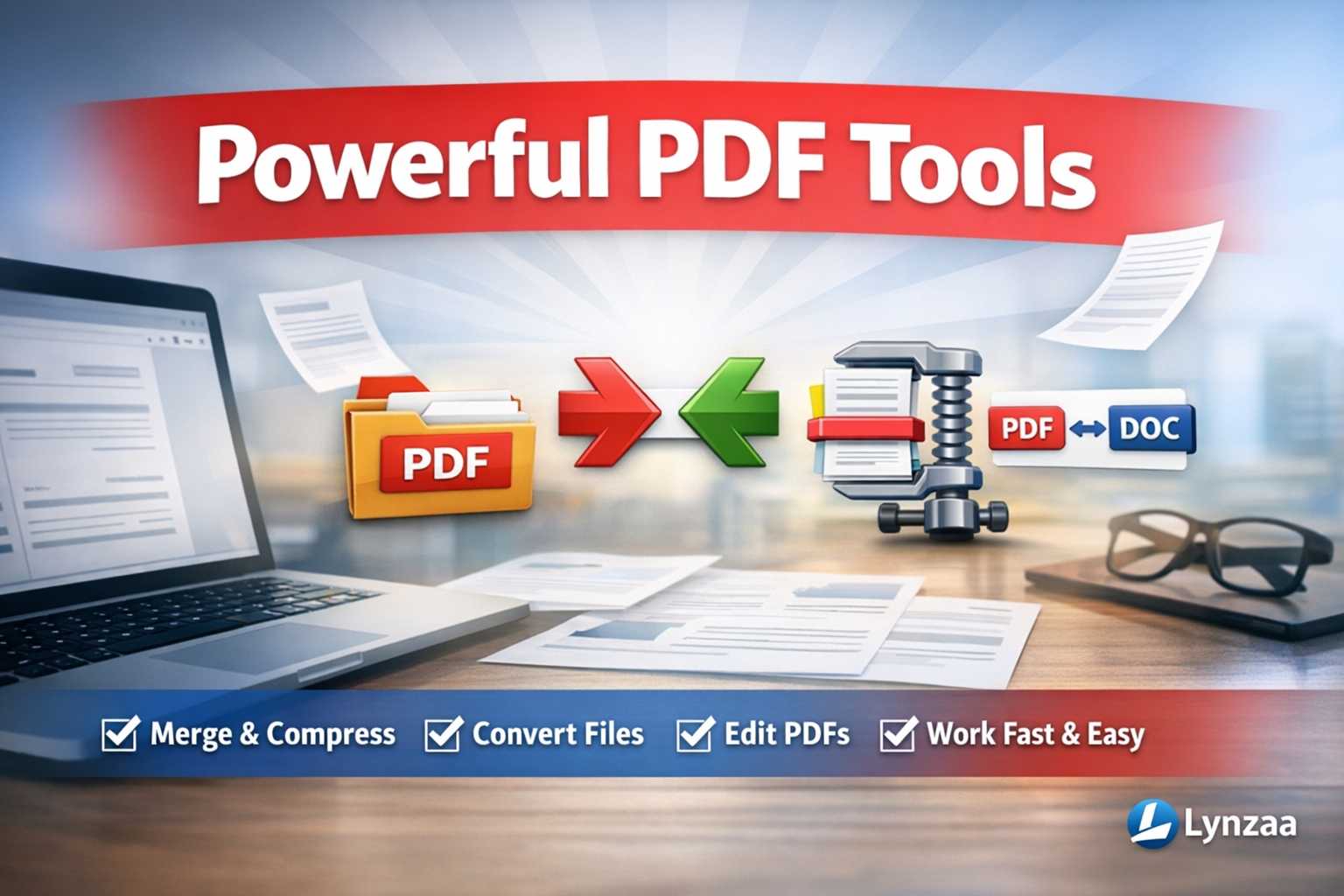
A PDF editor is a tool that lets you modify, convert, compress, and organize PDF files. These tools are essential for professionals who need to update documents without converting them to other formats.
Why Marketers Need PDF Tools
Digital marketers handle reports, invoices, proposals, and lead magnets — often in PDF format. PDF tools help them:
- Edit content quickly
- Merge multiple files
- Compress documents for faster sharing
- Convert PDFs to Word or Excel
- Add branding and signatures
Top Features to Look For
- Merge and split PDFs
- Compress file size
- Convert to/from Word, Excel, JPG
- Add text, images, and annotations
- Secure with password protection
- Export to multiple formats
How to Use PDF Tools Step-by-Step
- Choose a tool like Lynzaa’s PDF Editor
- Upload your PDF file
- Select your action: edit, merge, compress, convert
- Customize your document
- Download or share the final version
Best PDF Editor Tools Compared
Plain-text comparison table:
| Tool Name | Free Plan | Convert PDF | Compress | Edit Online | Merge Files |
|---|---|---|---|---|---|
| Lynzaa | Yes | Yes | Yes | Yes | Yes |
| Smallpdf | Yes | Yes | Yes | Limited | Yes |
| PDFescape | Yes | No | No | Yes | Yes |
| Adobe Acrobat | No | Yes | Yes | Yes | Yes |
Pros and Cons of Online PDF Editors
Pros:
- No software installation
- Fast and easy to use
- Accessible from any device
- Free options available
Cons:
- Limited features in free versions
- May require internet connection
- Some tools have file size limits
Expert Tips for Managing PDFs
- Compress large files before emailing
- Use consistent naming conventions
- Add branding to lead magnets
- Protect sensitive documents with passwords
- Convert PDFs to editable formats when needed
Common Mistakes to Avoid
- Uploading confidential files to untrusted platforms
- Forgetting to compress large PDFs
- Using tools that don’t support batch processing
- Not checking formatting after conversion
- Ignoring mobile compatibility
FAQs About PDF Editors
What is the best free PDF editor?
Lynzaa’s PDF Editor offers a full suite of features including merge, compress, and convert — all free and online.
Can I edit a PDF without converting it?
Yes. Many tools allow direct editing of text, images, and layout without converting to Word or other formats.
Is it safe to use online PDF tools?
Reputable platforms use encryption and secure servers. Always choose trusted tools like Lynzaa.
How do I compress a PDF file?
Upload your file to a PDF compressor, select compression level, and download the optimized version.
Can I convert PDF to Word or Excel?
Yes. Most PDF editors offer conversion features to export your file into editable formats.
Conclusion
A reliable PDF editor is a must-have for marketers, freelancers, and business owners. Whether you’re editing proposals, compressing reports, or converting lead magnets, the right tool can save hours and improve your workflow. Lynzaa’s PDF Tools offer everything you need — fast, free, and online.